**PLEASE READ - PURCHASING GUIDES FOR STEAM OR EPIC**

STEAM/Epic

shop points, tokens, & lootcrates

CHECKOUT GUIDE FOR SHOP,TOKENS, & LOOTCRATE PURCHASES


Click 'Add to Basket'
Click 'Login via Steam'
⚠️ Mandatory Steam Authentication

Even if you are playing on an Epic Games account, you are required to authenticate via Steam first to access the checkout gateway.
Go through Steam Login Process
Steam player
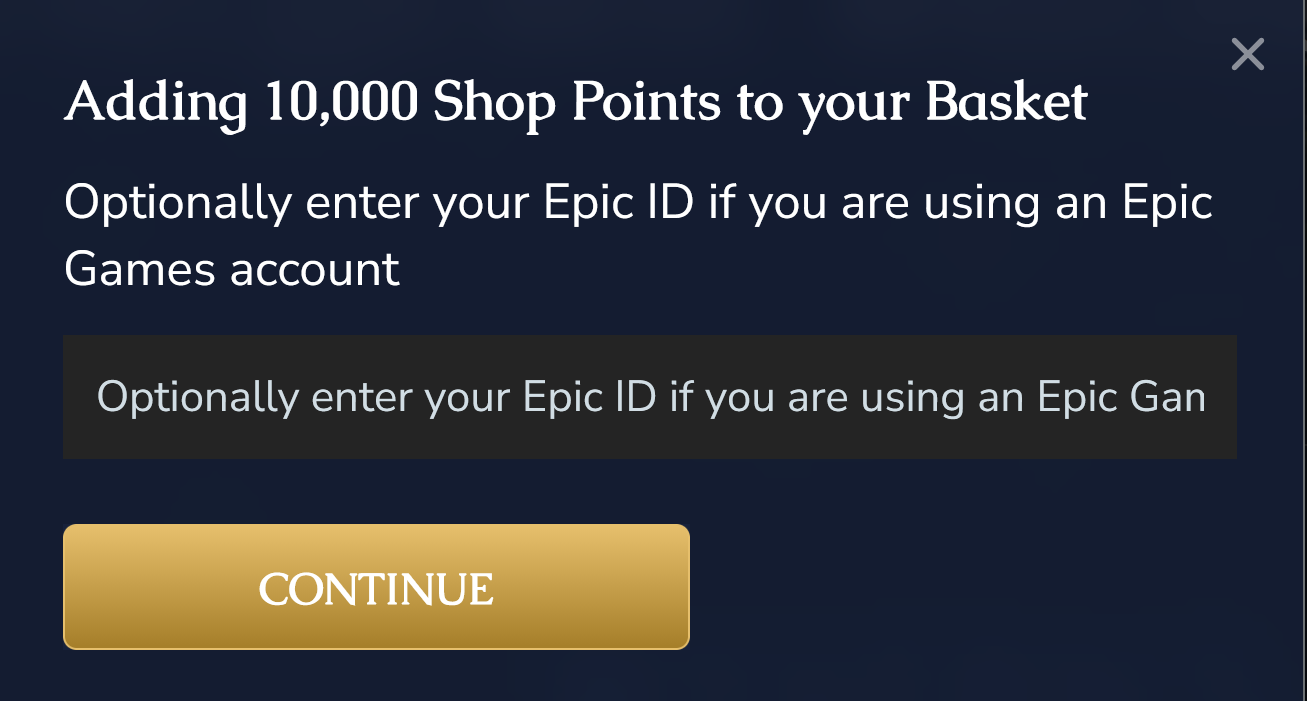
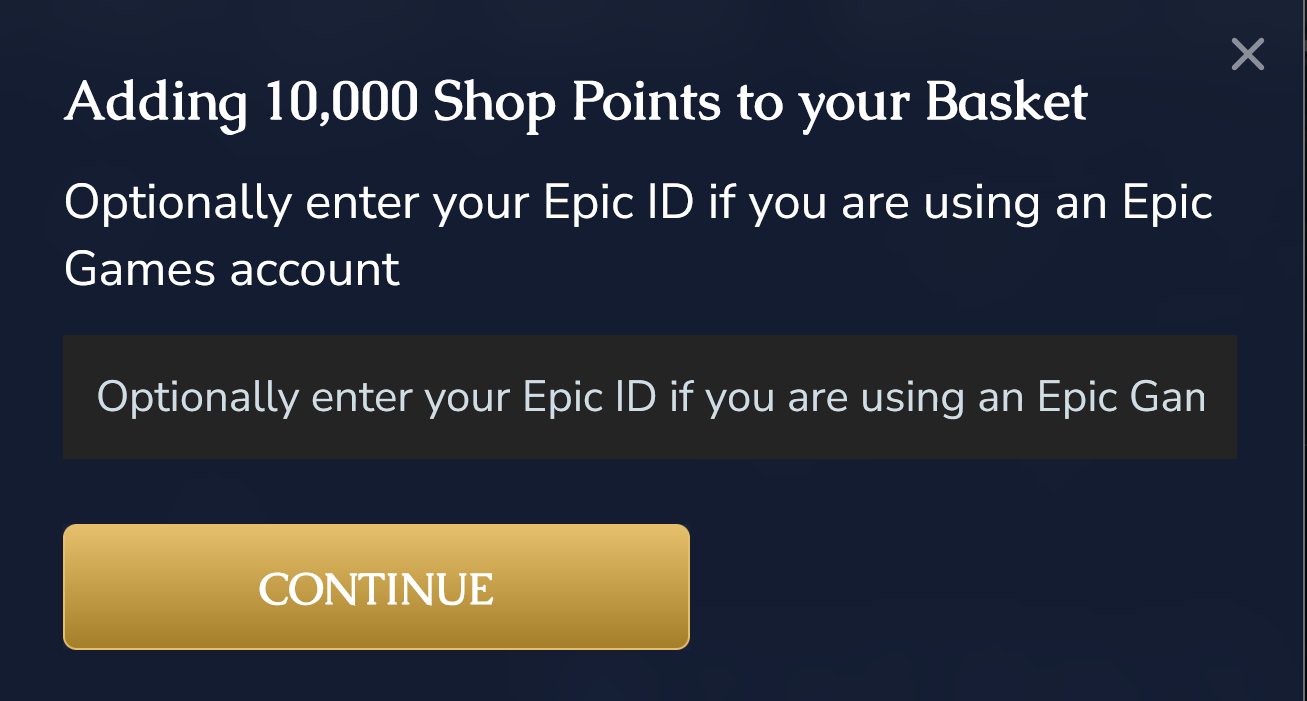
Enter STEAM ID when prompted for epic id and click continue.  finish checkout.
2349ec45f094fb85fc6def2c7bdc0dcc507e58fb.png 


EPIC PLAYER 
Enter EPIC ID WHEN PROMPTED and click continue.  finish checkout.
f0b329ab6f2ded7a892cf37d64353b8c9e0c6d61.png


TO GET YOUR STEAM ID OR EPIC ID, GO TO THE WYVERN'S NEST DISCORD CHANNEL #LINK-ARK-TO-DISCORD-TOOLS and CLICK THE BUTTON 'GET YOUR STEAM/EPIC ID'

Failure to enter the correct Steam ID/EPIC ID will result in failure to deliver purchased Points,Tokens, or Lootcrates.


EPIC checkout guide - VIP PACKAGEs

VIP PACKAGE CHECKOUT GUIDE


Step 01
Click 'Add to Basket' on your desired items.
⚠️ Mandatory Steam Authentication

Even if you are playing on an Epic Games account, you are required to authenticate via Steam first to access the checkout gateway.
Click 'Login via Steam' & Complete the Process
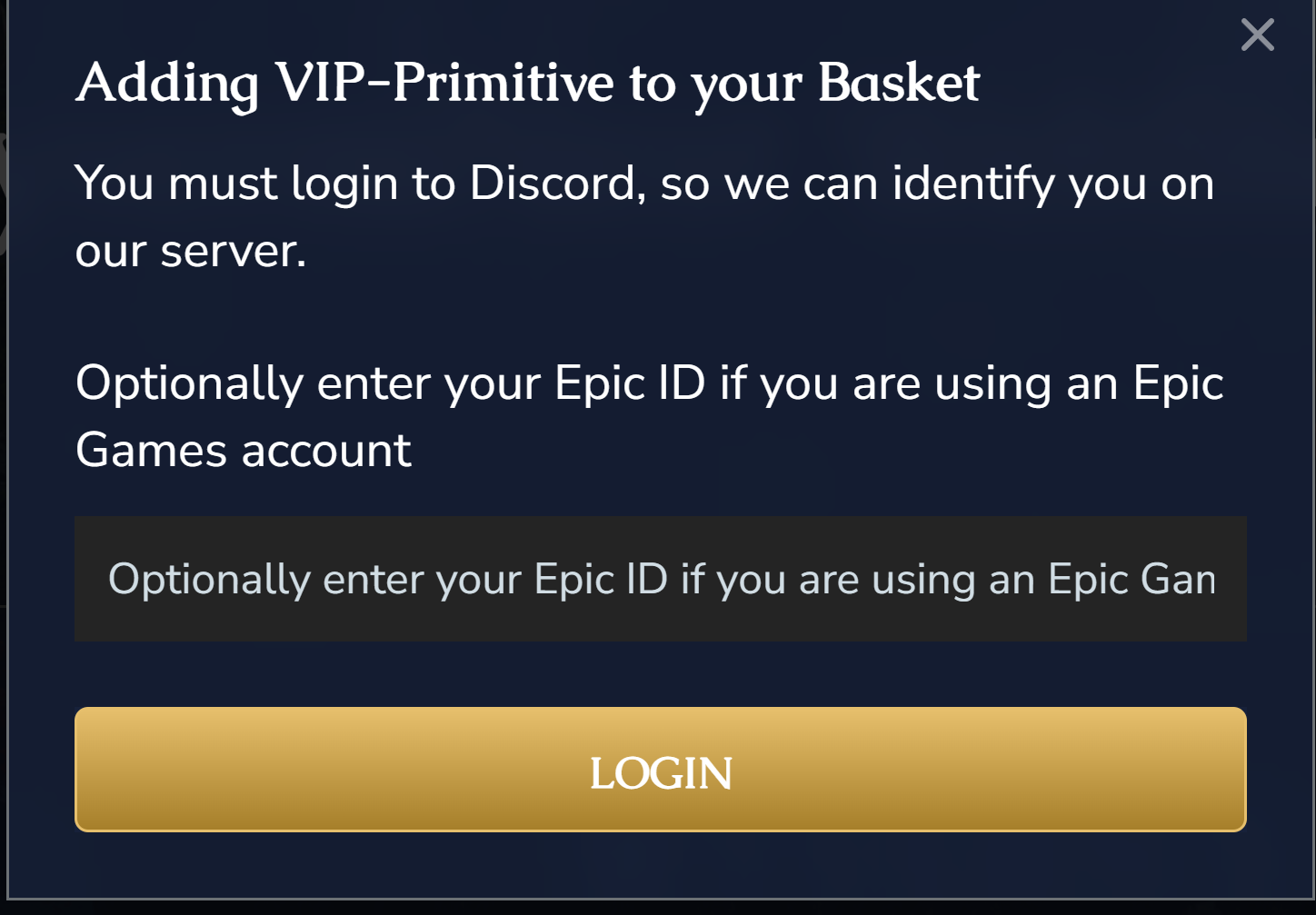
✅LOGIN TO DISCORD when prompted
57b2e882de25b5c2a8cd415283b5506cd70ead59.png 
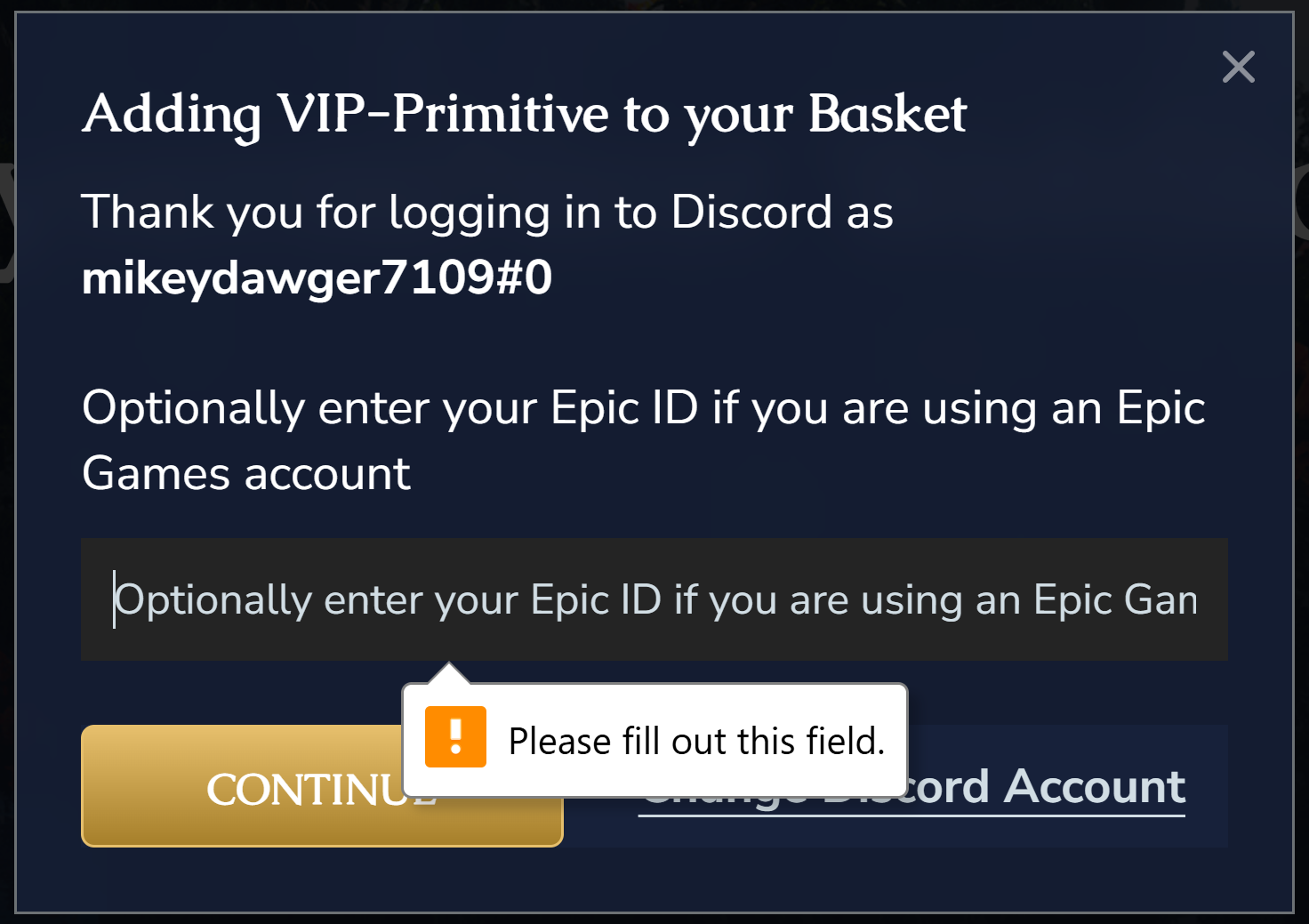
Enter Epic ID when prompted
**for vip package purchases, the prompt to enter your epic id will appear twice. it will appear a 2nd time after logging into discord. enter your epic id both times**
1b3054de7853702d0edc175a63c994a51682bae1.png

Pop-up will appear stating:
"Optionally enter your Epic ID if you are using an Epic Games account"

YOU MUST ENTER YOUR EPIC ID and click 'Login' OR 'Continue' to ensure delivery to your Epic character.
TO GET YOUR EPIC ID, GO TO THE WYVERN'S NEST DISCORD CHANNEL #LINK-ARK-TO-DISCORD-TOOLS and CLICK THE BUTTON 'GET YOUR STEAM/EPIC ID'

Failure to enter the correct Epic ID will result in failure to deliver purchased items/packages.

STEAM checkout guide - vip packages

CHECKOUT GUIDE FOR VIP PACKAGE PURCHASES


Click 'Add to Basket'
Click 'Login via Steam'
Go through Steam Login Process.
✅LOGIN TO DISCORD when prompted (ONLY FOR VIP PACKAGE PURCHASES)
57b2e882de25b5c2a8cd415283b5506cd70ead59.png 
Enter STEAM ID when prompted for epic id
**for vip package purchases, the prompt to enter an epic id will appear twice. it will appear a 2nd time after logging into discord. enter your steam id both times**
1b3054de7853702d0edc175a63c994a51682bae1.png

Pop-up will appear stating:
"Optionally enter your Epic ID if you are using an Epic Games account"

YOU MUST ENTER YOUR STEAM ID and click 'Login' OR 'Continue' to ensure delivery to your character.
TO GET YOUR STEAM ID, GO TO THE WYVERN'S NEST DISCORD CHANNEL #LINK-ARK-TO-DISCORD-TOOLS and CLICK THE BUTTON 'GET YOUR STEAM/EPIC ID'

Failure to enter the correct Steam ID will result in failure to deliver purchased items/packages.